Category: Fixing Theme
-
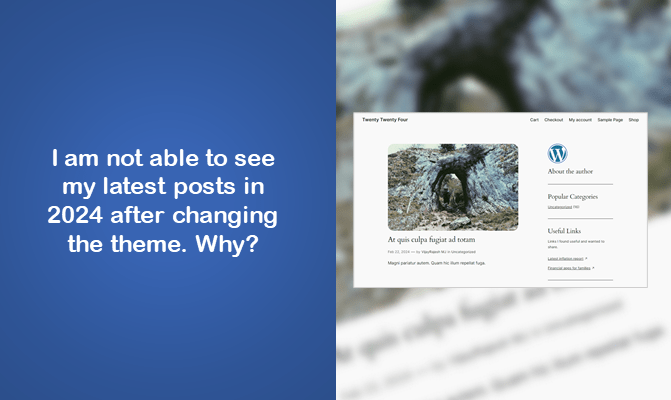
I am not able to see my latest posts in 2024 after changing the theme. Why?
The default setup for the 2024 theme incorporates distinct “patterns” for the homepage. To change to a blog-centric design, the initial step involves removing the current homepage patterns. Once you login, Navigate to the homepage, on the left side, click on the plus icon, search for a “blog” pattern, select one, and insert it. Save…
-
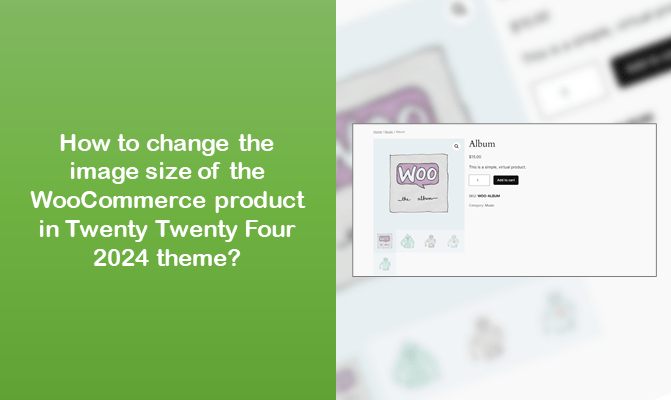
How to change the image size of the WooCommerce product in Twenty Twenty Four 2024 theme?
To change the image size of the WooCommerce product, you can use the following trick to resize them. We are going to use column resize, so depending on the column, the image will resize itself responsively. Please try the following below steps, Go to any single product, click on “Edit Site” that is available on…
-
How to Add Lottie Animations to Your Website Using WordPress
Introduction Lottie animations are a powerful and versatile way to add rich vector-based animations to your web and mobile applications. These animations are defined in JSON format, making them scalable, efficient, and easy to integrate across various platforms, including iOS, Android, React Native, and web applications. In this tutorial, we’ll guide you through the process…
-
How to Set Up Previous and Next Links in the Twenty Twenty Three Theme
Introduction Welcome to this tutorial that will guide you through the process of setting up previous and next links in the Twenty Twenty Three WordPress theme. These links are a useful feature for improving user navigation on your website. In this tutorial, we’ll walk you through the steps to enable these links on your single…
-
How to Create Full-Width Content Blocks in the Twenty Twenty Three Theme
Introduction In this tutorial, we will guide you through the process of creating full-width content sections in the Twenty Twenty Three WordPress theme. By default, this theme does not provide full-width content, but we will show you how to achieve it using the block editor. Step 1: Log in to WordPress Admin Begin by logging…