- After logging into the site, go to the page where you want to work for the changes.
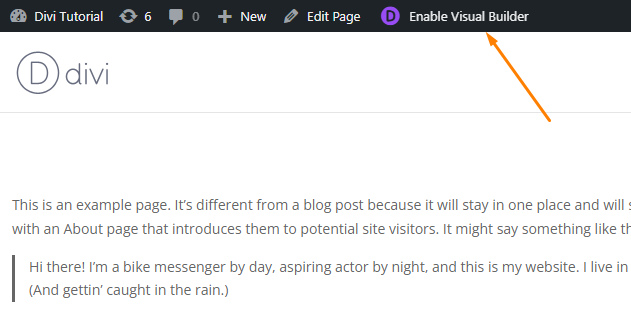
- Click on “Enable Visual Builder”.
- Insert a “Text Module” or add your desired content.
- After making your changes, access the (…) Menu icon where you’ll find the “Save” button.


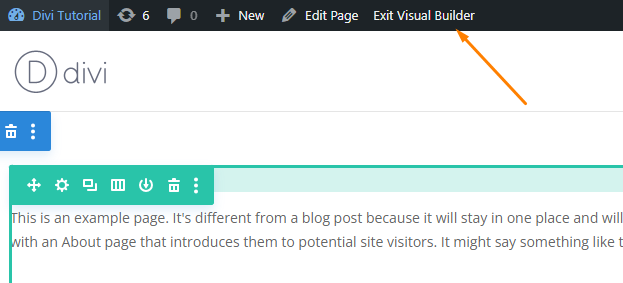
- Once saved, “Exit the Visual Builder” by clicking on the respective option.
- Your changes will now be reflected.
- This is the process for saving changes in the Divi theme.
Leave a Reply