Author: Divi Designer
-
How to make a link in menu to open in new tab (with Divi)?
While you are in “Appearance” Menu tab, Switch on the “Link Target” which is inside the “Screen Options”. After you do that, you can make any menu to open in new window by checking the checkbox “Open in a new tab” option.
-
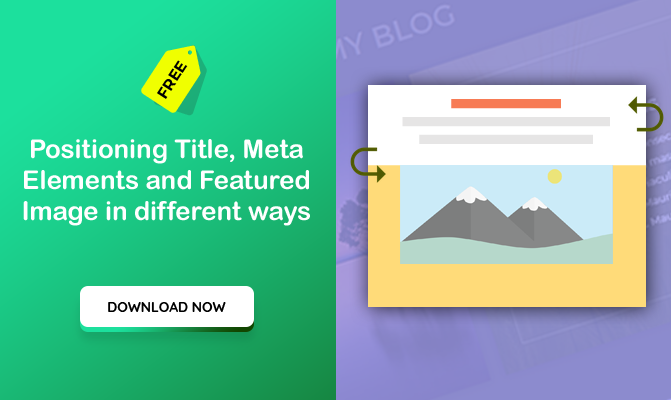
Positioning Title, meta elements and featured image in different ways (Divi Theme)
Please note that this code works for Blog Archive page. It is not for single blog post or blog module. You can download/grab the code free here. I have 2 more here, Please support and download. 1/ The first code is given below. You can paste it in your style.css or child theme or in…
-
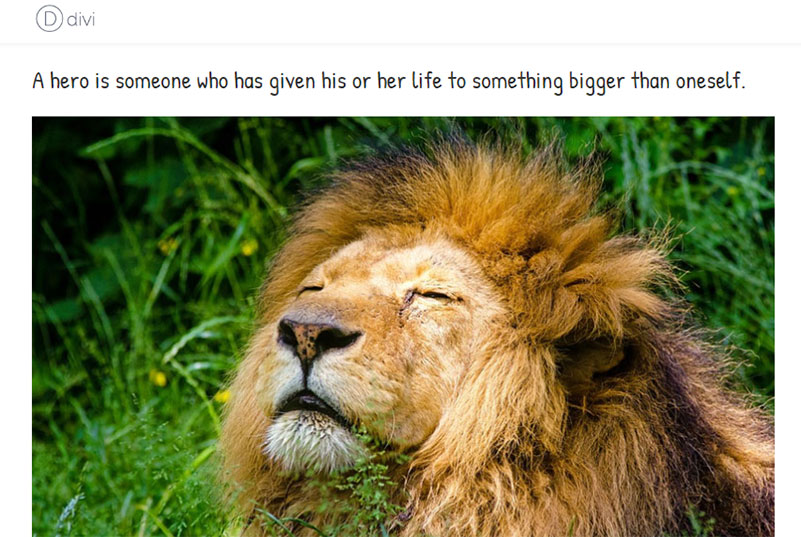
How to display post title above featured image
Using CSS Flex, we can display post title above featured image, Please use the below given CSS code. You can paste it inside Child theme CSS or inside Divi theme options CSS textarea, /* Blog Order */ .et_pb_post.has-post-thumbnail { display: -webkit-flex; display: -webkit-box; display: -moz-box; display: -moz-flex; display: -ms-flexbox; display: flex; -webkit-flex-flow: column wrap; flex-flow:…
-
Text based site title instead of logo
We can help you set site title in text instead of image logo in Divi theme.
-
Say hello to Divi from Elegantthemes.com
We are one of the top designers in DIVI and module layout designers. From small CSS fixes to layout designs, we can almost do anything on Divi theme. Divi is a WordPress theme created by ElegantThemes.com . Divi is getting popular just because of its features and fantastically speed page builder. If you have any…