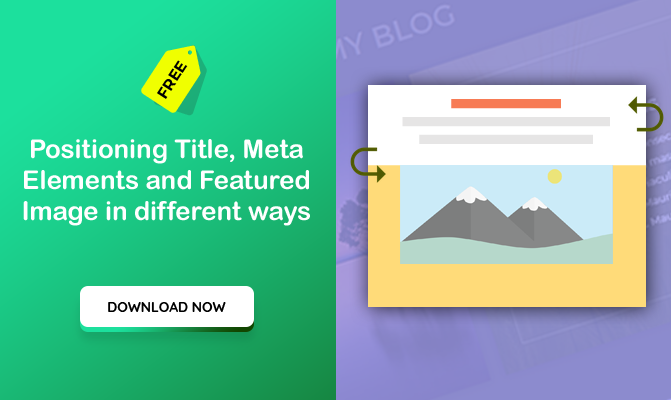
Please note that this code works for Blog Archive page. It is not for single blog post or blog module.
You can download/grab the code free here. I have 2 more here, Please support and download.
1/ The first code is given below. You can paste it in your style.css or child theme or in theme options.
/*****************************
Blog Style 1
******************************/
body:not(.single) #content-area .et_pb_post {
	position: relative;
	display: -webkit-box;
	display: -moz-box;
	display: -ms-flexbox;
	display: -webkit-flex;
	display: flex;
	-webkit-box-orient: vertical;
	-moz-box-orient: vertical;
	-webkit-flex-direction: column;
	-ms-flex-direction: column;
	flex-direction: column;
}
body:not(.single) #content-area .et_pb_post .entry-featured-image-url {
 -webkit-box-ordinal-group: -1;
	-moz-box-ordinal-group: -1;
	-ms-flex-order: -1;
	-webkit-order: 1;
	order: -1;
}
body:not(.single) #content-area .et_pb_post .entry-title {
	-webkit-box-ordinal-group: -3;
	-moz-box-ordinal-group: -3;
	-ms-flex-order: -3;
	-webkit-order: -3;
	order: -3;
}
body:not(.single) #content-area .et_pb_post .post-meta {
	margin:0;
	-webkit-box-ordinal-group: -2;
	-moz-box-ordinal-group: -2;
	-ms-flex-order: 2;
	-webkit-order: -2;
	order: -2;
}
Using the above code, you can achieve the following effect.

Leave a Reply