Author: Divi Designer
-
How to Use a WordPress Shortcode to Load Images Directly from Your Theme Folder?
In most WordPress setups, images are typically uploaded through the media library, which stores them inside the wp-content/uploads directory. This is perfectly fine for general content — but there are rare cases where you might need more control over your image location. For instance, you may want to reference images that are: In such cases, it’s better…
-
Easily Add Featured Images to the Bottom of Your WordPress Blog Posts
To display the featured image at the bottom of every WordPress post, you can add the following code snippet to your child theme’s functions.php file: Explanation: Optional: Custom Styling via CSS You can also style it by adding this to your child theme’s style.css:
-
How to count and display all links in any web page?
If you are a developer, just a developer in any language, and sometimes, you may require to count and see all links in a web page. You can do that in a tricky way with developer console of any browser. Just run inside “console” tab of browser with the link open. it will display the…
-
How to use Oswald Medium font in a WordPress theme?
You can use functions.php of a a child theme and paste the following code. So, the Oswald Medium font will get imported in the theme. Functions.php Code CSS Usage This is how you can use the font for header elements. However, you can use it for any class or id or any elements of a…
-
How to Display View Counts Using the WordPress Popular Posts Plugin on Every Post and Page
“WordPress Popular Posts” is a widely used plugin for displaying popular posts in a widget. However, it doesn’t automatically show the views count on posts and pages. To address this, I’ve written a custom code snippet that enables the display of view counts on both posts and pages. Step-by-Step: Adding View Count to Every Post…
-
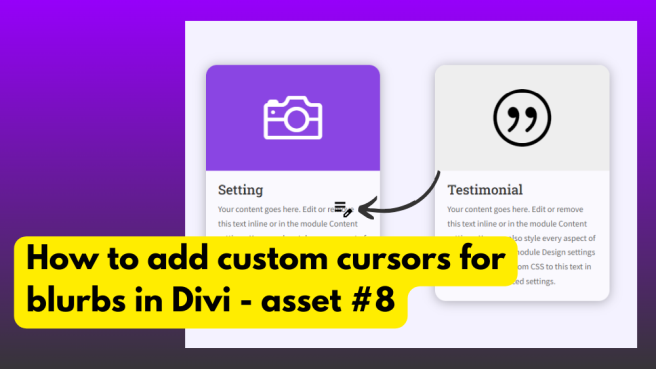
How to add custom cursors for blurbs in Divi – Asset #8
This tutorial teaches you how to add custom cursors for the blurbs in Divi. It uses 3 blurbs in a row. We are adding data URI (previously stored in a notepad file) . Because cursors are required to use data URI only. Demo You can see the demo here https://divithemedesigner.com/demo/how-to-add-custom-cursors-for-blurbs-in-divi-asset-8/ Video Tutorial
-
How to make translucent glass effect hover with person module in Divi
Please check the video here This video explains how to use the translucent effect on person module hover.
-
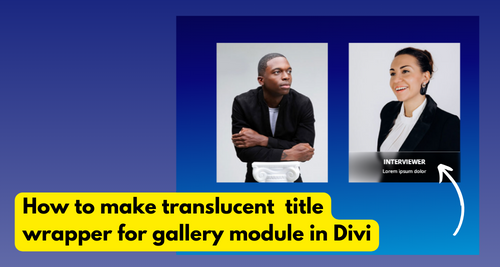
How to make translucent title wrapper for gallery module in Divi – Asset #6
In this layout, we incorporate a gallery module. Within the gallery module, we include titles and captions. Next, we wrap them in a wrapper using JavaScript. Utilizing a combination of CSS and additional JavaScript functionality, we create an animation upon hover with a translucent effect. Video Tutorial
-
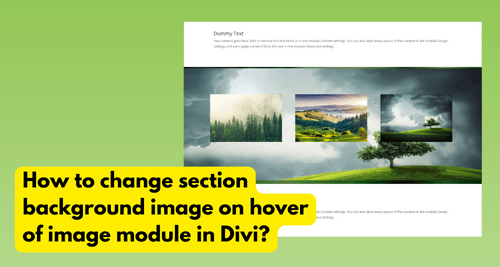
How to change section background image on hover of image module in Divi? – Asset #4
This video explains on how to display a image as a background in section area when a user hovers on image module. Video Tutorial